What stands out in Briss
Briss overlays document pages so you can fit a crop rectangle around their combined footprint. A booklet photographed with a broad black border is a good candidate. Trimming the unused edge lets a PDF viewer allocate more of a small screen to the printed material. A big virtue of the overlay is that it can reveal an outlier: a page number, handwritten annotation, or foldout label that sticks into an apparently empty strip.
Walkthrough
- Flip through the original at fit-to-page size. Record the page numbers of two ordinary spreads and the widest exception. Watch the outer edges of alternating pages. Booklets often place a running header or page number on opposite sides of consecutive sheets.
- Open a copy in Briss and study the superimposed pages. Find the furthest meaningful mark before placing your rectangle. On a dark scan, separate a uniform scanner-bed shadow from actual pencil notes by consulting the corresponding original page at a higher zoom.
- Draw the crop region with a small buffer around those extremities. When alternating pages have visibly different offsets, inspect the relevant groups independently. A rectangle that fits the left-hand pages neatly can eat the outside page numbers on the right-hand pages.
- Write a new cropped PDF and compare the pages you recorded. Check that the first and last letters of the outermost annotation survive. On a phone, compare both copies at fit-to-width to see whether the gain in reading size justifies the tighter frame.
Field tip
Keep one intentionally awkward page in your pilot. A chapter opener with generous white space tells you very little about the limit on a page with a penciled date. If an exception prevents a useful shared crop, handle it separately before assembling a reading copy.
Where it falls short
Cropping is a viewing and layout operation. Do not use the apparent disappearance of a margin as evidence that its contents were permanently removed. A document containing private notes needs a proper redaction workflow before distribution.
Try it yourself
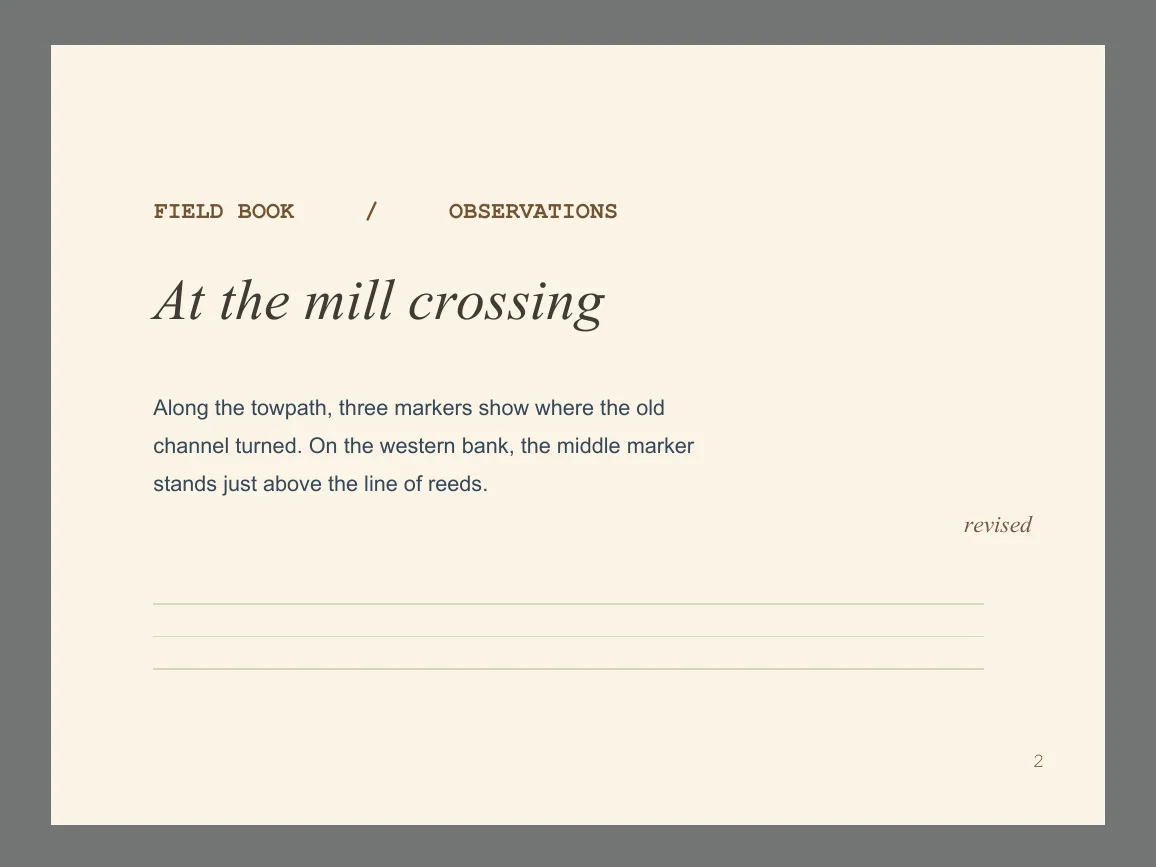
Print two mock pages with a left-aligned paragraph and a page number on different outside corners. Add “revised” in the margin of only one. The best crop keeps both numbers and that note. Compare it with a crop drawn from the first page alone.
Download practice file · PDF ↓